iMazing vs TouchCopy: Which iPhone tool fits?
TLDR
iMazing is my pick for regular phone backups and more control over saved data. Choose TouchCopy to save chats, music, or photos to a computer without a recurring bill. Try your task before you pay. An export is not a backup you can restore.
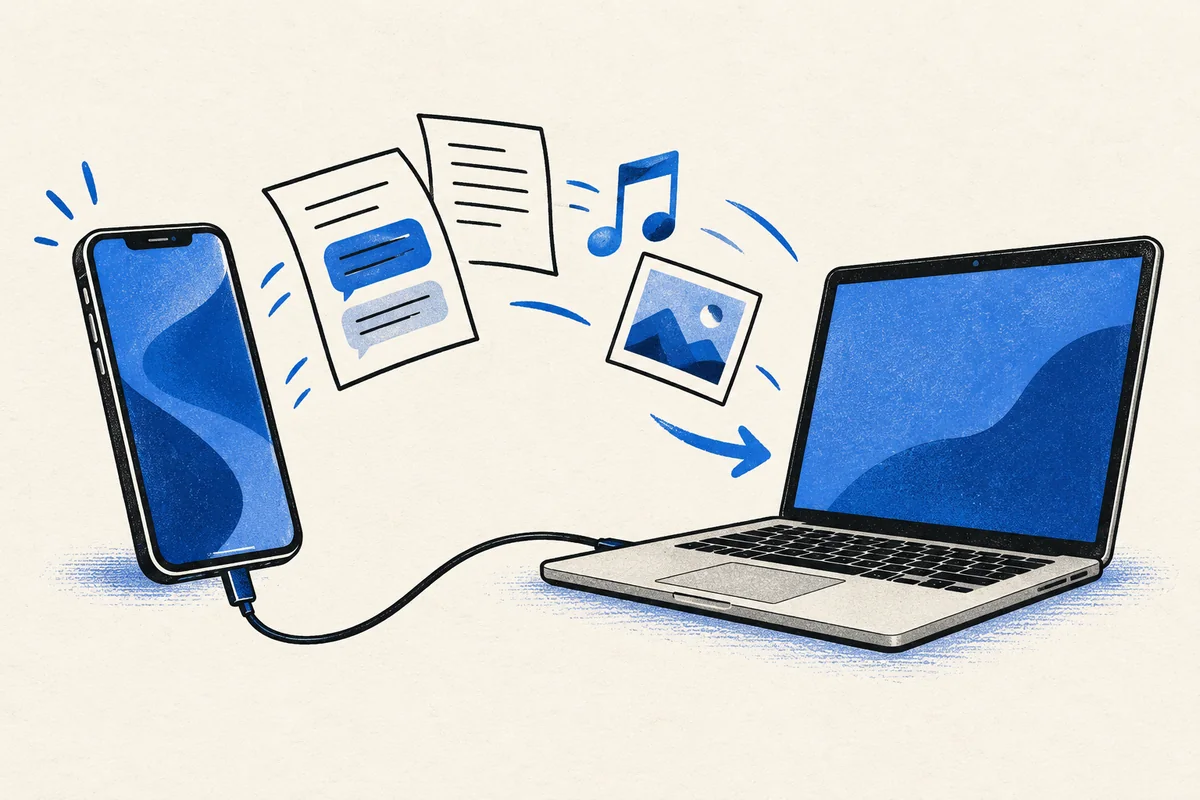
A chat you can read on your laptop. Songs stuck on an old iPod. A safe copy of your phone before you replace it. These sound like one job, but they call for different tools.
That is the key to iMazing vs TouchCopy. Both help move iPhone data to a Mac or PC. iMazing puts more weight on backups and device management. TouchCopy puts file exports at the center of the job.
Neither choice is best for every iPhone owner. Start with what you need to keep, then decide how you want to use it.
iMazing vs TouchCopy at a glance
| Your main task | My pick |
|---|---|
| Keep dated iPhone backups | iMazing, with scheduled backups and saved snapshots. |
| Save iPhone messages as files | Either. Compare a sample export before paying. |
| Copy an old music library | TouchCopy is a strong fit for music and playlists. |
| Work with supported app data | iMazing, subject to each app's limits. |
| Avoid a recurring paid plan | TouchCopy's fixed-term or lifetime license. |
| Back up without paying | Try iMazing's free personal backup features first. |
This is a choice of workflow, not a speed ranking. The size of your data, cable, storage, and phone all affect the time a transfer takes.
Saving iPhone messages: check the result, not just the format
Both tools can turn iPhone messages into files you can read outside your phone. Keep a family chat or a work thread in one place.
TouchCopy offers PDF, HTML, CSV, and plain text for message export. It can also save WhatsApp conversations. Its message export guide explains the choices. PDF suits reading and print. CSV is useful when you need rows you can sort. HTML suits a browser.
iMazing can also export messages and attachments. Its value grows if you already use it to keep iPhone backups. Work with saved data or the connected device. Each export need not start from scratch.
For either tool, open a sample before you export a whole thread. Check names, dates, line breaks, and pictures. A file can be present yet hard to use. Play key videos from the export folder. A picture in a PDF may not include all the files.
Keep the full message export folder together. Some files need others to work. Moving only the main file may break links to media. For an important record, keep an unchanged copy too.
I would not pay more just for more formats. A clean copy of the text messages you need is worth more than five formats you will never open.
Backups are where iMazing pulls ahead
A message export gives you a readable copy. A device backup has a different job. It can put supported data back onto an iPhone or iPad. Do not rely on a folder of PDFs to set up a new phone.
iMazing offers scheduled backups and keeps older copies. You choose the backup location. Use a computer, external hard drive, or network storage. Its personal backup features are free. You pay for tasks such as saving files from a backup.
This makes iMazing my first choice if the job repeats each week. Previous backups can matter as much as today's copy. If you notice a missing item late, a recent backup alone may not contain it.
TouchCopy can save specific data such as photos, contacts, and messages. Those exports are useful in their own right. But copied files are not a full backup you can restore.
Think about the failure you want to avoid. If your phone breaks, you may need a restorable backup. If an app stops working, you may want a plain file you can still read. Keeping both can make sense.
Our full iMazing review explains when its paid features add enough value to justify the fee.
App data and iPhone management have limits
iMazing is the broader iPhone management tool here. Its app management tools help you save and install apps. You can also work with supported app data. That suits someone who moves between devices. It matters less if you only print text messages.
But broader does not mean complete. Apps can store data on their own servers. Some files are not part of a local backup. Some apps limit what other tools can read or restore. App management is not a way to copy every signed-in session to a new device.
Before you pay for data extraction, name the app and file you need. Look for that data in the trial. If it is absent, ask the vendor about that case. Do not buy on the strength of a broad “iPhone data” label.
The same rule applies to TouchCopy. Its core features cover common file types. It may not replace an app's own export tool.
Music, photos, contacts, and voice memos
Music is a good reason to consider TouchCopy
TouchCopy can copy music and playlists from supported Apple devices to a computer. It can keep song details such as ratings and play counts. For a large old library, that is a better starting point than moving files one by one.
There is a catch with music files. A song in a streaming app may not be a file you can export. Neither tool promises to turn a protected stream into a music file you own.
Check the library on the computer before you wipe the old device. Open a few tracks, check albums, and compare playlist contents. A quick transfer is only useful if the result is complete.
Photos need a second look after the copy
TouchCopy can transfer photos and videos. On later runs, it can help copy just the new files. iMazing also offers photo transfers. Either may suit someone who wants a local folder instead of relying on cloud storage alone.
Export a small mix first. Try a photo, a video, and any special format you use. Open them in the apps you plan to keep using. A file may look fine in the tool. Check that your computer can open it too.
Keep the originals until you have checked the copy. Do not keep your only copies on the same laptop. One fault could lose them all.
Contacts and voice memos deserve the same care
TouchCopy can save contacts as vCard or CSV files. Both tools also cover voice memos. These are small parts of an iPhone. Yet a lost work contact or family recording can hurt more than a lost app.
With contacts, check phone numbers, notes, and duplicate entries after import. With voice memos, play a sample and use clear file names. Keep files grouped by device and date so you can find them later.
Price: count phones and computers separately
iMazing and TouchCopy charge on different terms. Count your computers and Apple devices. A home with multiple Apple devices may need a larger plan.
| License | Displayed US-dollar price |
|---|---|
| iMazing Personal, five devices | $49.99 per year |
| iMazing Family, 20 devices | $89.99 per year |
| TouchCopy for Mac, six months | $30, one Mac |
| TouchCopy for Mac, 12 months | $40, one Mac |
| TouchCopy for Mac, lifetime | $70, two Macs |
Prices checked October 16, 2026. iMazing's store displays tax-inclusive prices. TouchCopy's final total can depend on checkout details. Confirm the platform, currency, and total before paying.
TouchCopy's license choices cover unlimited Apple devices. The six- and 12-month terms do not renew on their own. Choose the correct Mac or Windows version; the Mac prices above are not a cross-platform license.
New iMazing purchases use annual subscriptions. A personal plan counts linked mobile devices. It does not count each Mac or PC. You can reuse a slot after 270 days with no device connection. Do not count on swapping a slot each time you replace a phone.
For one short job on a Mac, TouchCopy's $30 term may be enough. If you return often, $70 paid once is easier to justify. iMazing's yearly fee makes more sense when you use its wider paid tools. For backups alone, start with its free features.
A lifetime license does not mean every future major version is free. TouchCopy's terms allow fees for major updates. Keep that in mind if your next phone needs a newer version.
Which iOS device will you use?
Check your exact iPhone, iPad, or iPod touch before you buy. An old music player and a new phone may need different versions of the software. Keep a note of the device model and its software version.
Check the computer too. A Windows PC and a Mac can have different system needs. Do not assume an old laptop can run the newest release just because the phone is supported.
If you switch between an iPhone, iPad, and an old music player, test each one. Successful data access on one device does not prove that all your other data will be there. That is a good use of the trial.
Try the task before choosing the tool
Install the correct version for your Mac or PC and connect your own iOS device. Both tools offer free trials. Some export tasks have limits. Use the trial to check access. Not every task is free.
Pick one small, important job. Find a chat, a few photos, or a contact. Check whether the software can see it. Make a sample export if the trial allows one. Then open the output outside the tool.
Leave time and disk space for the backup process. The tool may need a local copy of your data first. Then it can show messages and other files. Give it time to read the device.
Keep your backup password somewhere safe. Our Bitwarden vs 1Password comparison covers two ways to store important account details. A forgotten backup password can leave a saved copy out of reach.
Common questions
Which is better for an iPhone or iPad?
Choose iMazing for recurring backups and broader device management. Choose TouchCopy for focused exports and its non-renewing license choices. Both support iPhone and iPad; the right choice depends more on the task than the device name.
Can either tool read a locked phone without permission?
Do not buy either for that purpose. You need access to the device. You may need its passcode and backup password too. Data extraction is not the same as bypassing a passcode.
Will a message export stay private?
It depends on how you store it. Saved text messages can be easy to open. A protected backup does not keep those exports safe. Use a secure computer account and be careful with shared folders. Do not send a full chat when a few lines would do.
My verdict
iMazing is the better long-term fit for someone who wants control over iPhone backups and supported app data. TouchCopy suits a clear task: get files off a device without a recurring bill.
For messages alone, let the sample decide. For backups alone, try the free route first. Pay for the task you need to finish, not the longest feature list.